Digital receipts
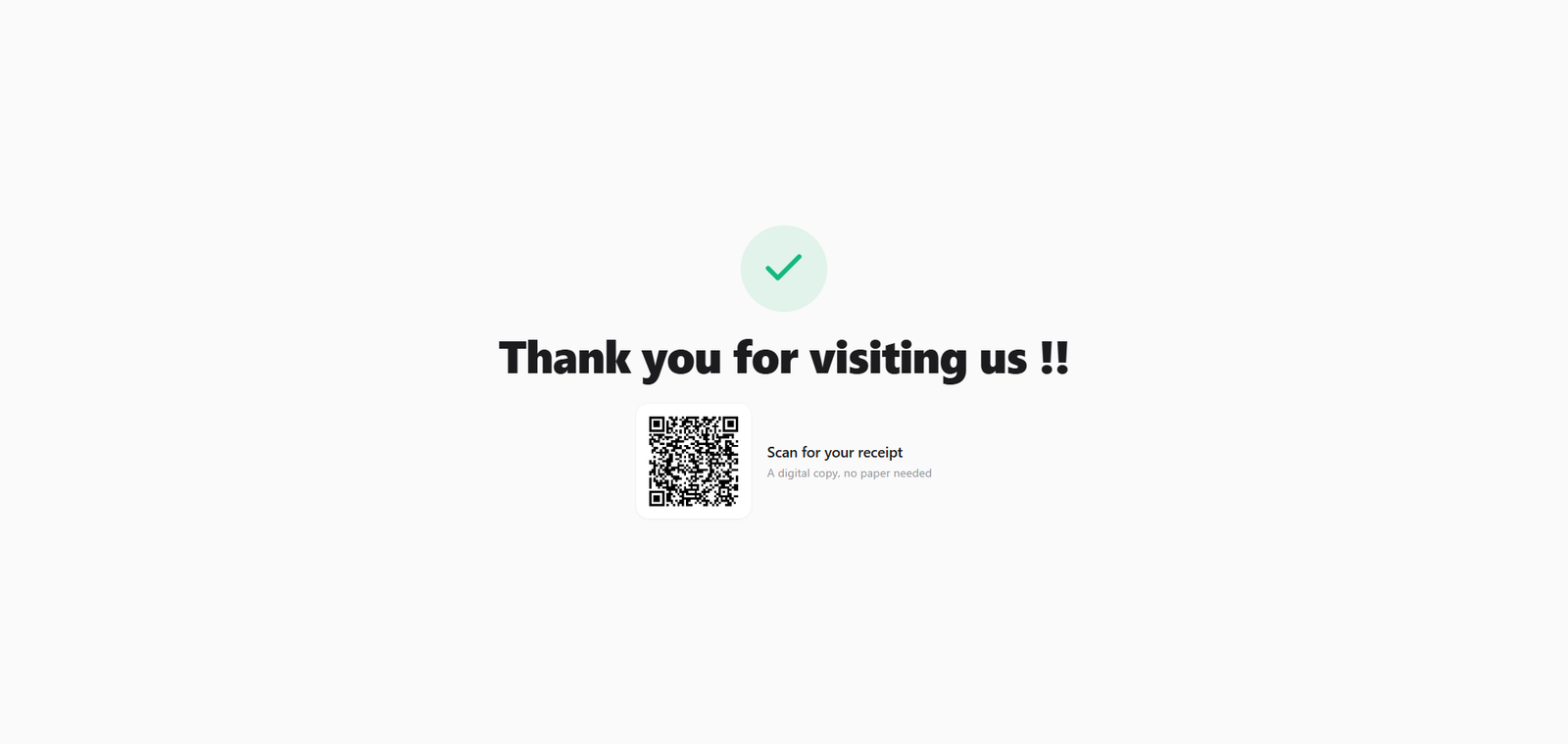
Not every customer wants a paper slip. A digital receipt is a private web link to the same receipt, which the shopper can open on their phone — most easily by scanning a QR code on the customer display. No app, no login, no paper.
Overview
Every completed sale can be viewed as a receipt on a private web page. Instead of (or as well as) printing, you can let the customer open that page on their own phone. The link is unguessable — it carries a long, random code that acts as its own key — so only someone with the link can see it, and the customer's phone number is masked on the page for privacy.
Customers can reach it from the QR code on the customer display's thank-you screen or from a receipt shared through WhatsApp. It is one private receipt link, reachable in several ways.
Why it's useful
- Less paper. Customers who don't want a slip can just scan and keep a copy on their phone.
- Nothing to install. The receipt opens in any web browser — no app and no account.
- Private by design. The link is random and unguessable, and personal details like the phone number are masked.
- One receipt, more than one channel. The same link powers the display QR and WhatsApp receipt sharing.
How a customer gets one
-
Finish the sale as normal
Ring up and complete the sale on the POS screen. No extra steps are needed from you.
-
The thank-you screen shows a QR
If you have a customer display, its thank-you screen shows a "Scan for your receipt" QR code.
-
The customer scans it
They point their phone camera at the QR and tap the link that appears. Their receipt opens in the phone's browser — done.
The digital receipt link exists for every online sale even without a customer display. Open the sale detail and use Send via WhatsApp to prepare or queue that receipt for the customer.
Tips & best practices
- Offer it out loud. A quick "Would you like the receipt on your phone? Just scan the screen" nudges customers to go paperless.
- Great for eco-conscious shops. Cutting paper slips is a small, visible way to reduce waste.
- The link is safe to share. Because it's random and masks personal details, a customer can save or forward it without exposing sensitive data.
Notes & warnings
Opening a digital receipt needs internet. The customer's phone loads the page from your shop's website, so both the QR (created on a completed online sale) and the customer's phone need a connection. Sales made while the till was offline don't get a receipt QR until they sync — the paper receipt still prints as usual.
Anyone with the link can view that receipt. The link is its own password. It's fine to hand to the customer, but treat it like you would a receipt — don't post it publicly.
Related: Customer display · The POS screen · Hardware & printing